Adwave AI Creative: Tips for Better TV Ad Variations
slug: adwave-ai-creative-tips · status: draft · score: 85% · 1 versions
View published version → · Contentful entry: 2iGIIaBMtJWDRBybLMUjBB
Validation
| Rule | Detail | |
|---|---|---|
| pass | No banned competitors | No banned competitors |
| pass | No emdashes | No emdashes |
| pass | Avoid AI telltale words | No AI telltale words |
| pass | Primary keyword in title | No primary keyword to check |
| pass | Use contractions | Contractions used |
| fail | Minimum internal links | Internal links not in sitemap: /resources/ai-video-ad-creator, /resources/agentic-video-editor-launch, /resources/what-makes-a-good-tv-commercial, /resources/ctv-ad-creative-best-practices, /resources/how-to-write-a-commercial-script, /how-it-works |
| pass | FAQ section required | FAQ section present |
| fail | Author assigned | No author assigned (never use 'Adwave Team' for new content) |
| pass | Title length 50-60 | Title length 52 |
| pass | Minimum 4 images | 4 images |
| pass | SEO description under 160 | seoDescription 154 chars |
| warn | Adwave mention cadence | 9 Adwave mentions may feel salesy (aim 2-3) |
| pass | Short description present | shortDescription 168 chars |
| pass | Word count by type | Word count 1598 within target |
| pass | Year-dated title for evergreen types | Type not year-dated |
| pass | No manual table of contents | No manual TOC |
Images (4)
Content
Adwave AI Creative: Tips for Better TV Ad Variations
The first TV ad Adwave generates for you is a starting point, and for plenty of businesses it's good enough to launch as-is. But the advertisers who get the most out of the platform rarely stop at one. They generate variations, refine them, and let real campaign data tell them which version earns the budget. The difference between a decent campaign and a great one usually isn't the targeting or the budget. It's the creative.
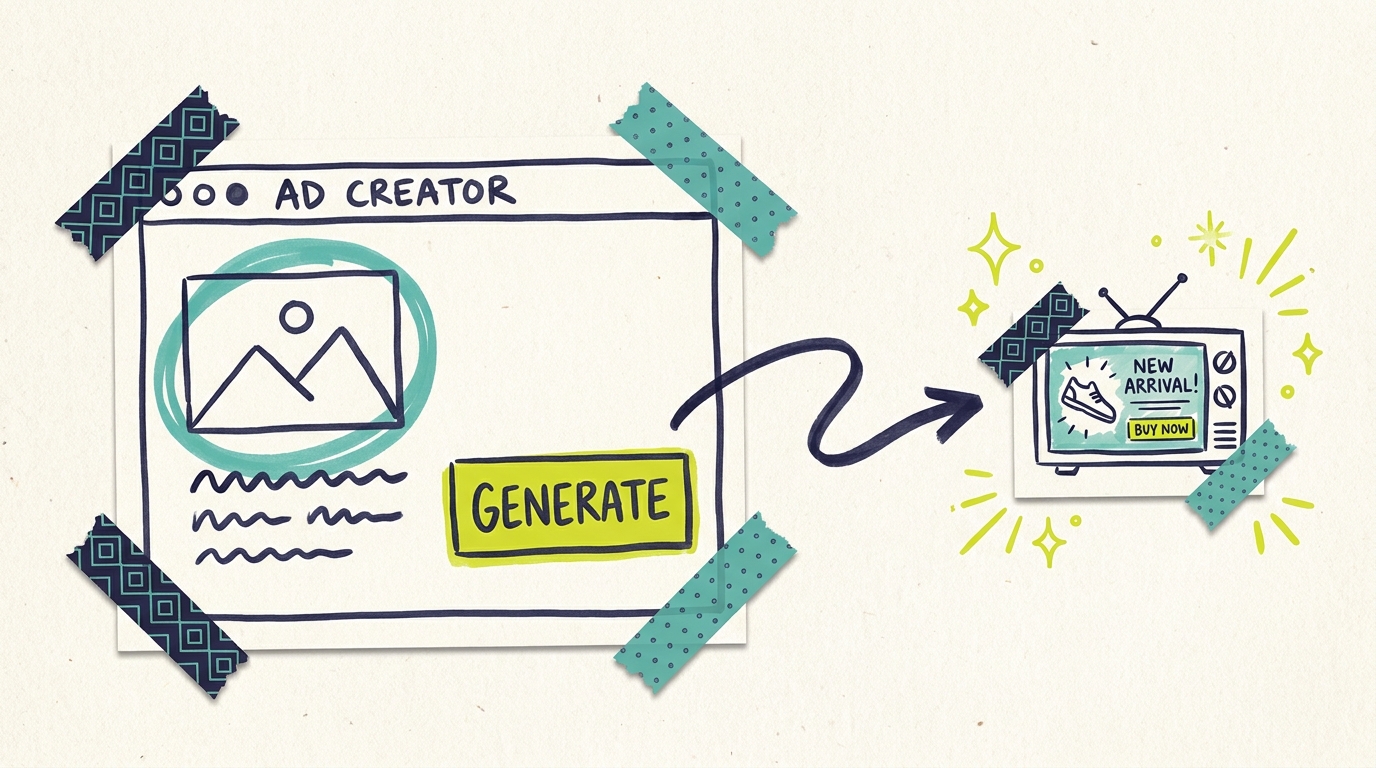
Here's the good news: generating variations costs you nothing. Ad creation on Adwave is free, each version takes about two minutes, and the AI video ad creator does the production work that used to require a camera crew. This guide covers five practical tips for getting noticeably better variations out of the AI, plus how to compare them once they're live.
Why variations beat a single ad
No one, including professional creative directors, reliably predicts which ad will perform best. The big brands solved this decades ago: they test. A national advertiser might shoot three versions of a spot and rotate them regionally before committing the full media budget to the winner.
That playbook used to be off-limits for small businesses because each version cost thousands to produce. With AI generation, the production cost of a second or third variation is two minutes of your time. There's no longer a reason to bet your whole campaign on a single guess.
Variations also fight ad fatigue. Viewers who see the same spot too many times start tuning it out. Rotating two or three versions keeps your campaign feeling fresh across the weeks it runs.
Tip 1: Start from a stronger source URL
Adwave builds your ad from a URL: your website, a social profile, even a Yelp page. The single biggest lever you have over output quality is which URL you feed it.
The AI reads the page you give it and pulls your business name, services, imagery, and tone from what it finds. A thin homepage produces a generic ad. A page rich with specifics (what you do, who you serve, what makes you different, good photos) produces an ad with specifics.
Before generating, look at your page the way a stranger would:
- Does it say clearly what you do and where you do it?
- Are your best photos on this page, or buried elsewhere?
- Is your strongest offer or differentiator visible?
If your homepage is weak but your services page is strong, generate from the services page. A landscaper whose homepage is a contact form will get a far better ad from their portfolio page full of finished-yard photos.
Tip 2: Generate variations from different source pages
Here's the technique most users miss: different source URLs produce genuinely different ads, not just reshuffled versions of the same ad.
Try generating one variation from each of these:
- Your homepage (the broad brand story)
- Your most popular service or product page (the specific offer)
- Your reviews or testimonials page (the social-proof angle)
A med spa might end up with one ad that introduces the business, one focused on its most-booked treatment, and one built around five-star patient experiences. Three real strategic alternatives, generated in under ten minutes, at no cost.
Tip 3: Refine with the chat editor, and be specific
Once a variation exists, Adwave's chat-based agentic editor lets you refine it conversationally. You describe the change; the editor makes it or walks you through options.
The skill that separates frustrated users from happy ones: specificity. The editor handles vague requests by offering choices, which works, but you'll move faster when you ask for exactly what you want.
Treat it like briefing a junior editor who works instantly and never gets tired of revisions. Three or four specific requests usually get a variation from good to launch-ready.
Tip 4: Vary one element at a time
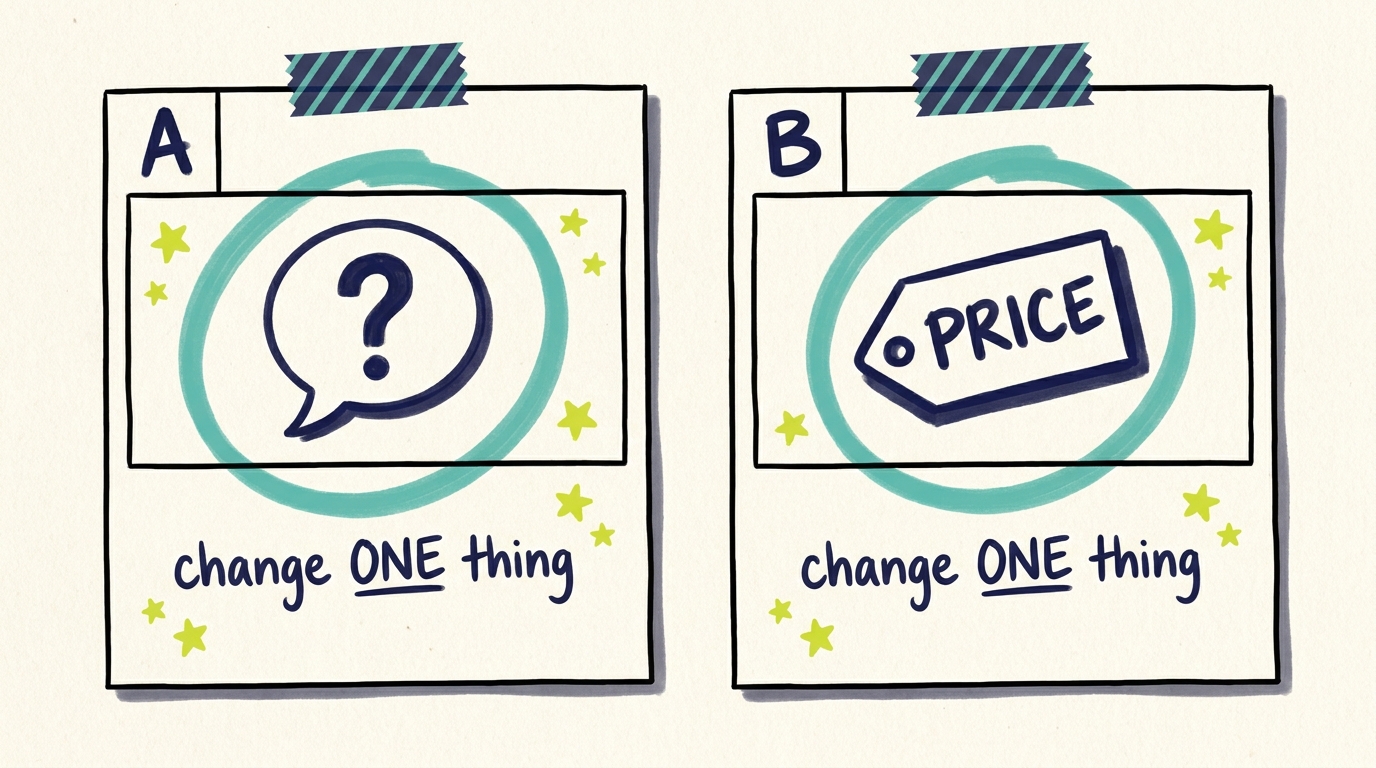
When you create variations to test against each other, change one meaningful element per variation and keep the rest stable. If version B has a different opening, a different offer, AND a different call to action than version A, a performance gap tells you nothing about why.
The elements worth isolating, roughly in order of impact:
- The opening 5 seconds. Viewers decide immediately whether to keep watching. Test a question opener against a bold claim.
- The core message. Price-led vs. quality-led vs. trust-led positioning.
- The call to action. "Visit our website" vs. "Call today" vs. a limited-time offer.
- Tone and pacing. Warm and personal vs. energetic and promotional.
Our guide to what makes a good TV commercial breaks down each element in more depth.
Tip 5: Match the variation to the campaign goal
A variation isn't better or worse in the abstract; it's better or worse for a job. Before generating, decide what this campaign needs to do:
- Awareness campaigns (new business, new market) want variations that lead with your name, your face, and what you do. Memorability over urgency.
- Promotion campaigns (seasonal push, special offer) want the offer up front and a deadline in the close.
- Trust campaigns (high-consideration services like dental, legal, home renovation) want social proof, credentials, and a calm tone.
If you run campaigns for different goals across the year, build a small library: generate and refine variations per goal now, and you'll have launch-ready creative when the season turns. The principles in our CTV ad creative best practices guide apply to every category.
How to compare variations once they're live
Generating variations is half the loop; the other half is letting data pick the winner.
Run two or three variations and give each enough impressions to mean something. A few thousand impressions per variation is a reasonable floor before drawing conclusions. Then compare in your dashboard:
- Video completion rate. The clearest creative signal. If viewers finish version A more often than version B, A is holding attention better.
- Website traffic during flight windows. Watch direct and branded-search visits while each variation runs.
- QR code scans, if your ad includes one, give you a direct response read per variation.
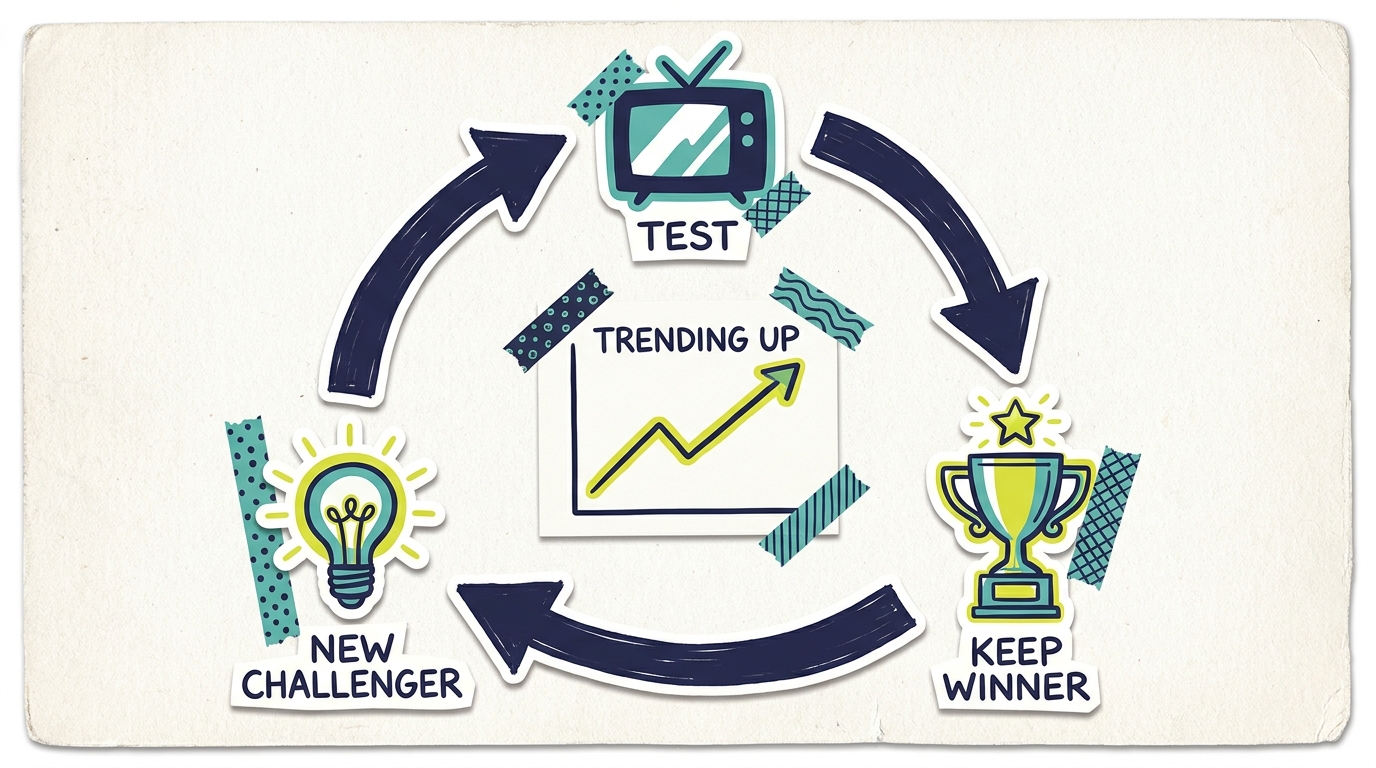
Kill the weakest variation, keep the winner running, and generate a new challenger against it. This loop (test, keep the winner, test again) is how campaigns improve month over month, and it's only practical because each new challenger costs minutes instead of thousands of dollars. For a deeper structure, see our writing guide on how to write a commercial script for ideas worth testing next.
Common questions answered
How many ad variations should I run at once?
Two or three is the sweet spot for most small business budgets. Each variation needs enough impressions to produce a meaningful read, so running five or six variations on a modest budget splits the data too thin. Start with two strategic alternatives, let them compete for a few weeks, then replace the loser with a new challenger.
Does generating multiple variations cost extra?
No. Ad creation on Adwave is free, including every variation and every refinement you make in the chat editor. You pay for the campaign itself, with subscriptions starting at $50, so testing creative aggressively doesn't change your costs.
Can I edit an ad after the campaign is live?
Not directly. Live campaigns can't be modified from the dashboard, so finalize your creative before launch. If you need to change a running campaign, contact support. This is another reason to refine variations carefully up front: the chat editor makes pre-launch revisions fast and free.
Can I make my ad longer or shorter than 30 seconds?
No. Adwave ads are 30 seconds, the standard length for TV inventory across its 100+ networks. The constraint is genuinely useful for testing: every variation competes in the same format, so performance differences come from the creative choices, not the runtime.
What if I don't like anything the AI generates?
Start with the source. Nine times out of ten, weak output traces back to a thin source URL. Point the generator at your richest page, then use the chat editor with specific requests rather than regenerating from scratch repeatedly. The editor can change scripts, scenes, pacing, and calls to action; a few specific instructions usually close the gap between "not quite" and "that's us."
Build your testing habit
Bottom line: the advertisers who win on TV aren't the ones who guessed right the first time. They're the ones who made testing cheap and habitual. Adwave removed the cost barrier; the habit part is yours.
Generate two variations this week, run them side by side, and let your customers vote with their attention. See how it works: your first variation takes about two minutes.
Internal Links Used
- /resources/ai-video-ad-creator
- /resources/agentic-video-editor-launch
- /resources/what-makes-a-good-tv-commercial
- /resources/ctv-ad-creative-best-practices
- /resources/how-to-write-a-commercial-script
Sources
- Adwave product facts: free ad creation, ~2 min generation, 30s format, 100+ networks, from $50, no live-campaign edits
Version history
| Version | When | Summary |
|---|---|---|
| v1 | 6/20/2026, 3:11:54 AM | migration import |